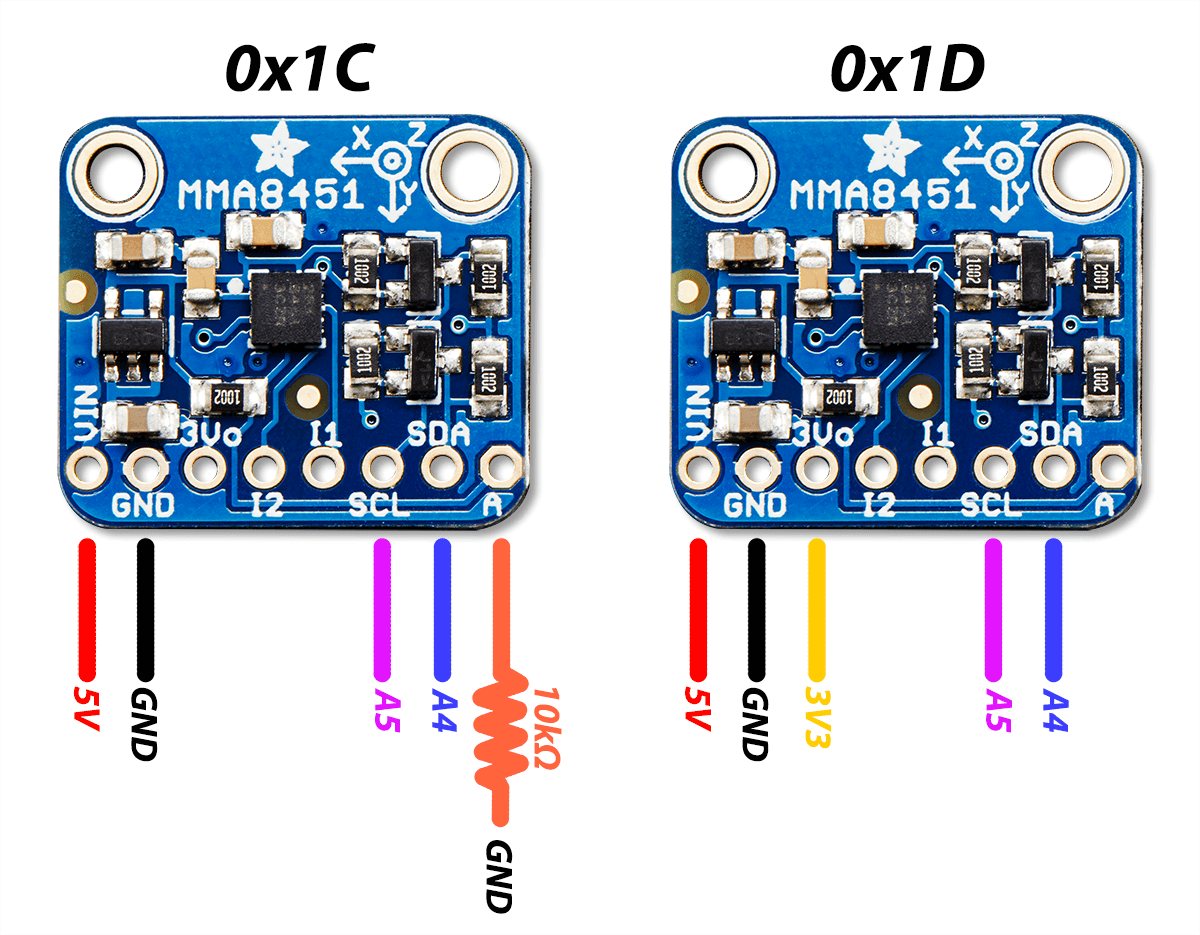
This week I had to interface two accelerometers (adafruit MMA8451 breakout boards) into one Arduino board.
On Adafruits website, they write that you can address the sensors with 0x1C by adding a pull-down resistor on the “A” pin, or 0x1D by connecting the “3Vo” to a 3V3 source. What they don’t tell is how to use them both at the same time, which gets clear once you take a look at the Adafruit_MMA8451 class within the library file Adafruit_MMA8451.h.
Ever wondered where is a good place to find new and interesting chips on the market? Questions about electronics and what is happening in the market?
For the engineers and makers out there, the world of electronics can be a bit overwhelmed with so much happening all the time, updates, news and buyouts (specially in the past few months).
I would to use this post to share some of my favorite places to get new chip information, updates and random electronics questions.
Do you remember IRC? Yes, it’s still alive and strong. Just connect to the Freenode network and you will find many very interesting channels where you can talk electronics, exchange information and ask questions! If you are there, drop a line to spillere (me!).
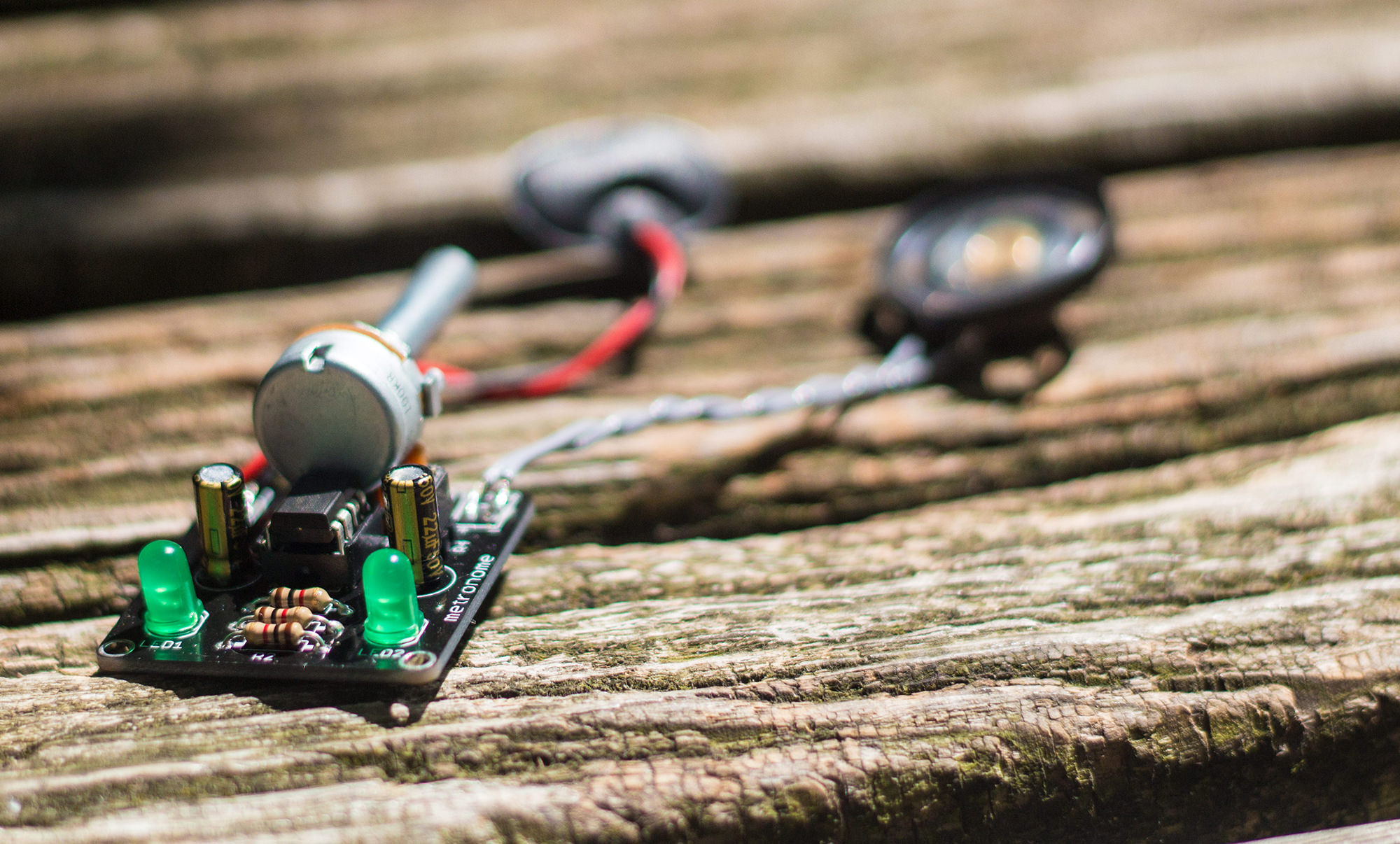
During my first semester of Electrical Engineering back in 2007, I had an introduction to electronics class where by the end of the semester we had to develop an open project. At first I tried to build a AM radio using only passive components, I remember that after hours placing components on the breadboard I managed to make it work, but it was really inconsistent and super noisy. The project was working, but it wasn’t as good as I wanted, so I decided to build something else, something that could be actually useful, that when the metronome idea came alive. Using a few components and a 555 IC I could make the circuit “tick” in a frequency that can be used your music studies.
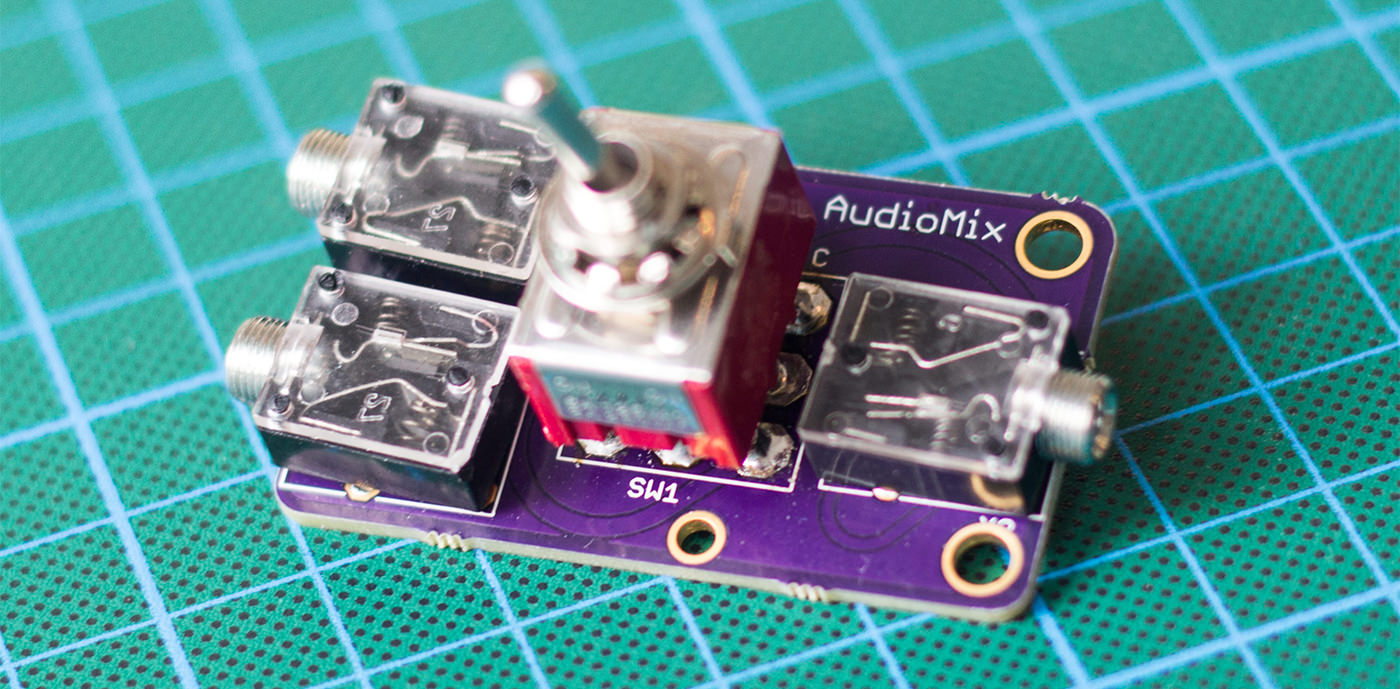
I moved to Berlin a few months ago to start working as Lead Electronics Engineer at UNU Motors. As soon as I found my own place (after spending three months apartment hunting), I decided to buy a good audio monitor, so I could listen to music and watch videos with a decent audio quality. My choice was a BX5 M-Audio audio monitor, great speaker at a very good price. The only annoying thing is that every time I wanted to listen music from my computer, I had to take the P2 plug from the RaspberryPi (running OSMC) and connect to my mac, and vice versa… To fix this problem, I decided to make a small PCB where I can plug everything together and then flip a switch to toggle inputs.
While Altium Designer is a relatively easy program to start working with, there are so many tricks, shortcuts and extra options to be discovered (which keeps me excited to always learn more!). I decided to create some kind of cheat-sheet for personal reference and I believe that it can also be helpful for other users out there.
Have you heard of the Arduino? Its a small but powerful micro-controller that can be used to create many amazing things. An Arduino can be used to sense its own environment, connect and communicate with the Internet, manipulate devices around it, send messages, and much much more. Last year, over 700,000 hobbyists were using and contributing to the Arduino environment.
This course is designed to take you from 0 to 100 with Arduino in less than an hour. At the end of the course, you’ll be fully familiarized with Arduino and ready to build your own applications and devices. Ideally, this course is for beginners who want to get their toes wet with the Arduino system but those already familiar with Arduino can still learn from the techniques used in this course.
What you’ll learn in this course:
– How to setup the Arduino software and start outputting code
– How to understand and write code that your Arduino can understand
– How to setup Serial communication
– How to use a breadboard, and RGB sensor, and a LED Pin.
– How to create a variety of functions that interact with your Arduino
– How to create a device that detects your rooms temperature and changes colors accordingly.